Node Types
All available node types for the workflow builder. Each node belongs to a category and has specific configuration fields.
Flow Nodes
Start (core.start)
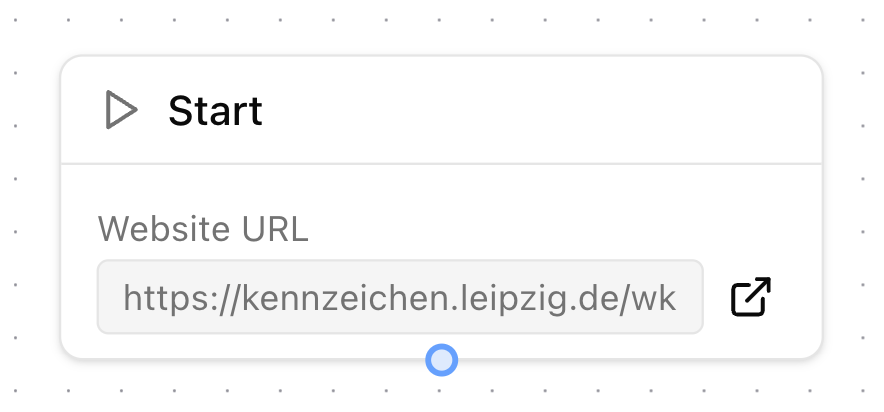
Entry point of every workflow. Automatically created and cannot be deleted.
- Category: Flow
- Outputs:
next - Config: None
- Behavior: Displays the target website URL from the city configuration. Includes a link to open the site in a new tab for reference while building.
End (core.end)
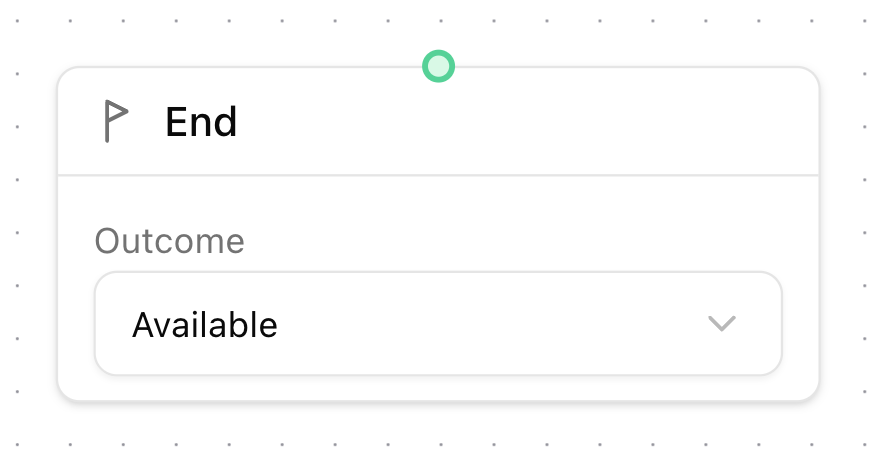
Marks the completion of a workflow path. Automatically created and cannot be deleted. Every workflow path must terminate at an End node.
- Category: Flow
- Inputs:
in - Config:
outcome— eitheravailableorunavailable - Behavior: Sets the final result of the execution. This outcome determines the check status:
availablemaps toAVAILABLE,unavailablemaps toNOT_AVAILABLE.
Wait (core.wait)
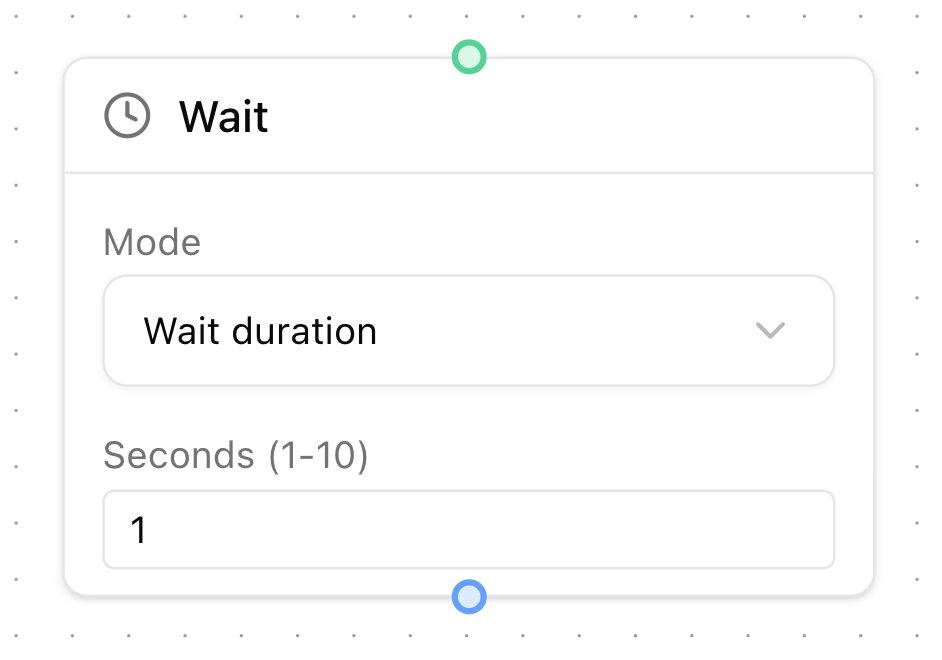
Pauses the workflow execution. Has three modes:
- Category: Flow
- Inputs:
in| Outputs:next
| Mode | Config | Description |
|---|---|---|
| Duration | seconds (1-10) | Fixed delay |
| For element | selector, timeoutMs (optional) | Waits until a CSS selector appears on the page |
| For new tab | timeoutMs (optional) | Waits until a new browser tab is opened |
Browser Nodes
Click (core.click)
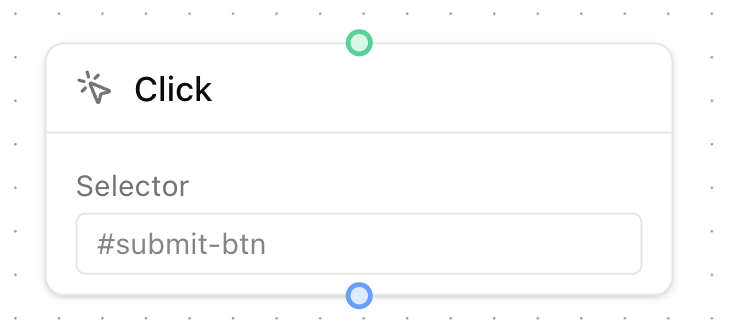
Clicks a DOM element identified by a CSS selector.
- Category: Browser
- Inputs:
in| Outputs:next - Config:
selector— CSS selector (e.g.#submit-btn,.next-step)
Type Text (core.typeText)
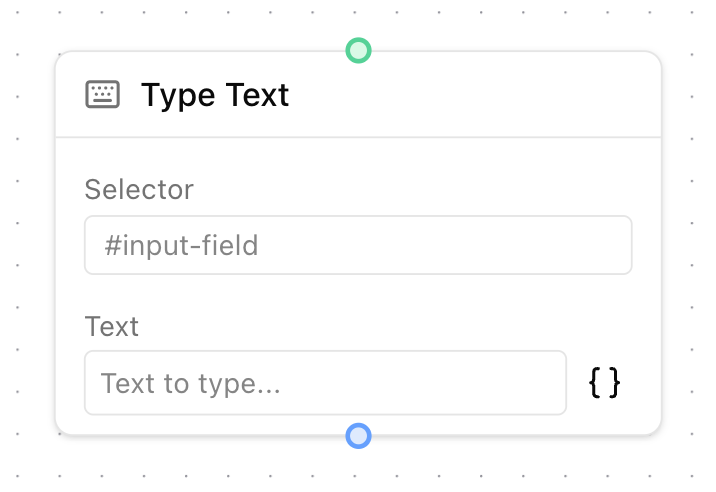
Types text into an input field. Supports template variables.
- Category: Browser
- Inputs:
in| Outputs:next - Config:
selector— CSS selector for the target inputtext— Text to type (supports template variables like{{plate.letters}},{{user.firstname}}, etc.)
Open Page (core.openPage)
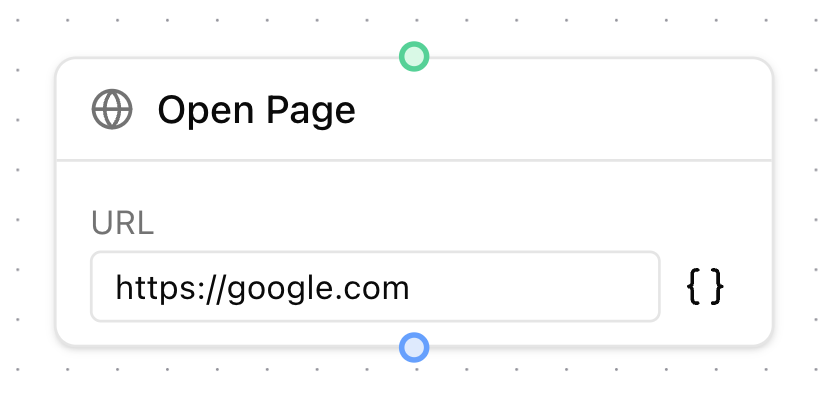
Navigates the browser to a URL. Supports template variables.
- Category: Browser
- Inputs:
in| Outputs:next - Config:
url— Full URL to navigate to
Note
OpenPage is currently disabled as changes to the functionality of the pipeline disallow users from visiting any pages other than the one of the city a workflow is being created for. The node might be enabled again after careful review.
Select Option (core.selectOption)
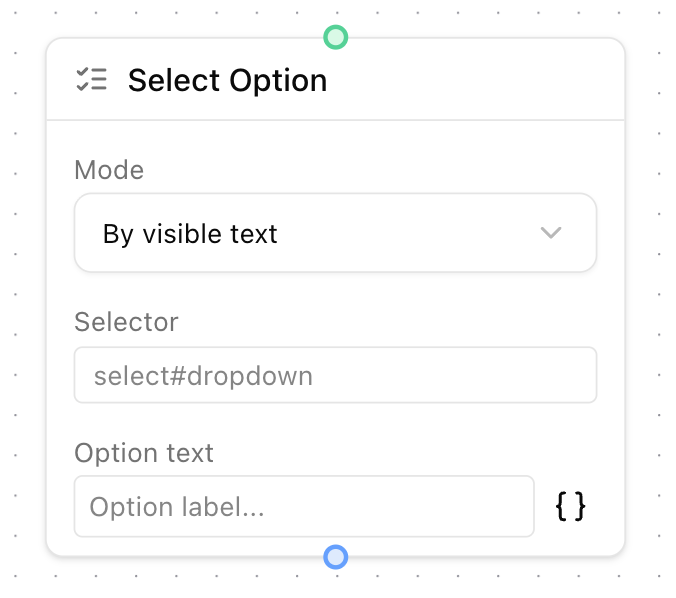
Selects an option from a <select> dropdown. Has three selection modes:
- Category: Browser
- Inputs:
in| Outputs:next
| Mode | Config | Description |
|---|---|---|
| By text | selector, text | Matches visible option text (supports variables) |
| By value | selector, value | Matches the value attribute (supports variables) |
| By index | selector, index | Selects by 0-based index |
Logic Nodes
Conditional (core.conditional)
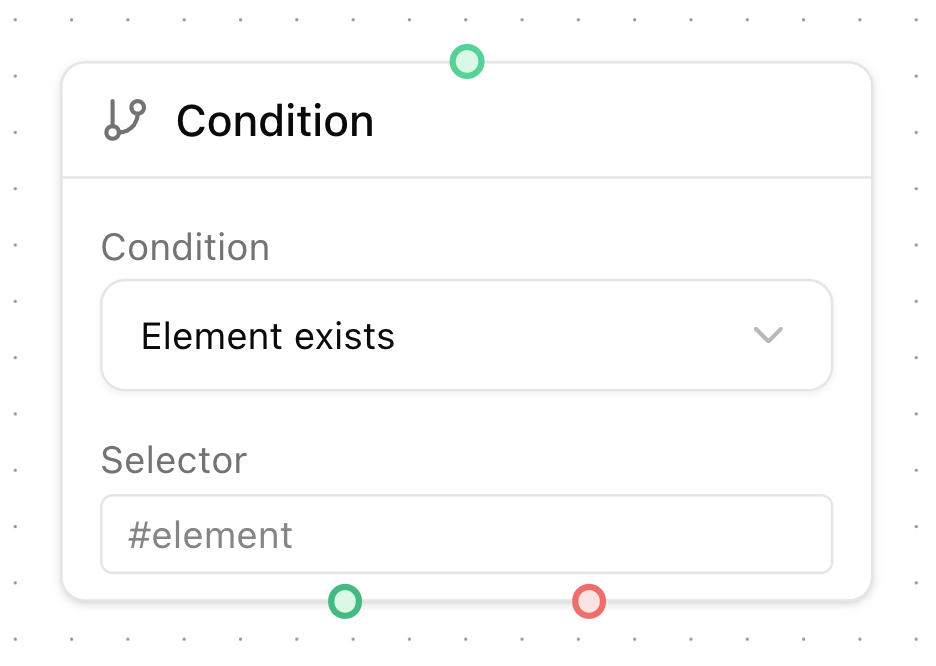
Branches the workflow based on a condition. Has two output handles: true (green) and false (red).
- Category: Logic
- Inputs:
in| Outputs:true,false
| Operator | Config | Description |
|---|---|---|
exists | selector | Checks if a DOM element matching the selector exists |
textIncludes | selector, value | Checks if the element's text content contains the value (supports variables) |